The Sunday letter · MyTextStoryIssue 01081522283337404345474848
MyTextStory.
Loading the fixes
Tips
Wi-Fi keeps dropping? Quick fixes for home internet
Simple fixes for Wi-Fi that drops, slows down or disappears in one room.
- KindTips
- DateJul 20, 2026
- Read time5 min
Tips
Wi-Fi keeps dropping? Quick fixes for home internet
Simple fixes for Wi-Fi that drops, slows down or disappears in one room.
- KindTips
- DateJul 20, 2026
- Read time5 min
Tips
Wi-Fi keeps dropping? Quick fixes for home internet
Simple fixes for Wi-Fi that drops, slows down or disappears in one room.
- KindTips
- DateJul 20, 2026
- Read time5 min
TipsJul 20, 20265 min read
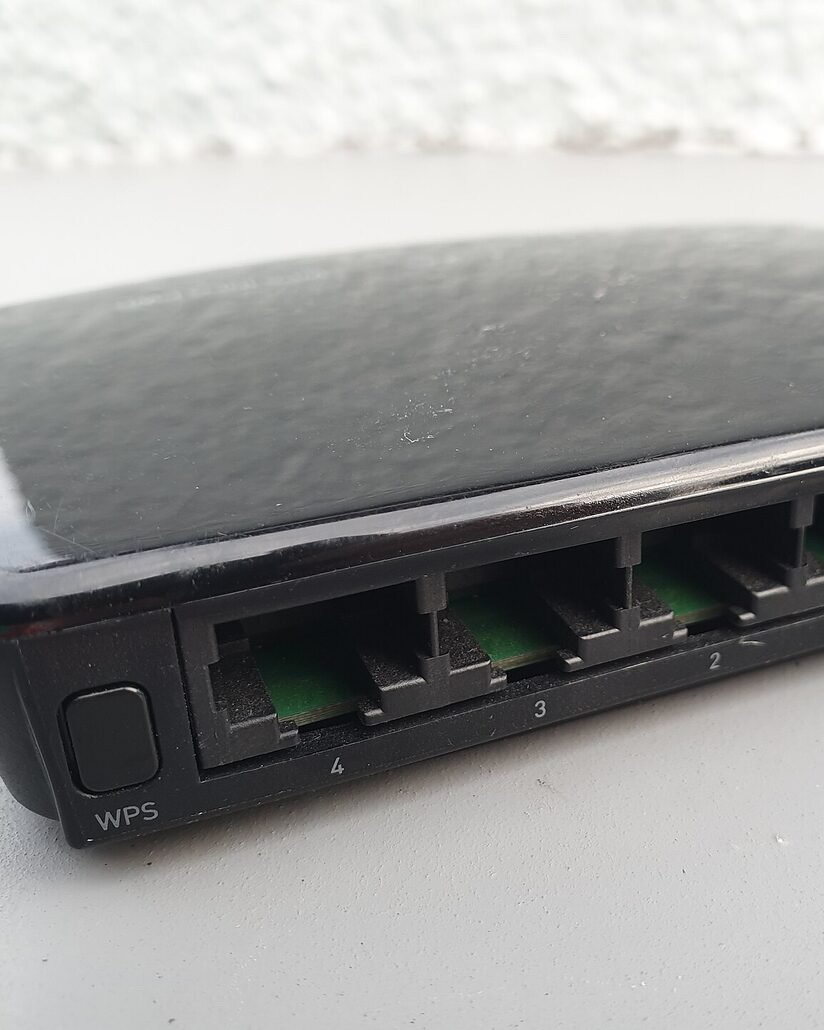
When Wi-Fi keeps dropping, most people blame the internet provider. Often the problem is much closer: where the router sits, an old setting or the device itself. Try these in order.
Restart it the right way
Unplug the router and modem, wait a full thirty seconds and plug them back in. Give them three minutes to start. This clears an overloaded memory and gets a fresh connection from your provider, and it fixes more problems than any other single step.
Move the router
Routers hate cupboards, floors and the space behind the TV. Put it up high, in the open and near the middle of the home, away from microwaves, cordless phones and thick walls. Moving it by a metre can double the signal in the far room.
“Most Wi-Fi problems are not the internet. They are distance, walls and an overworked router.
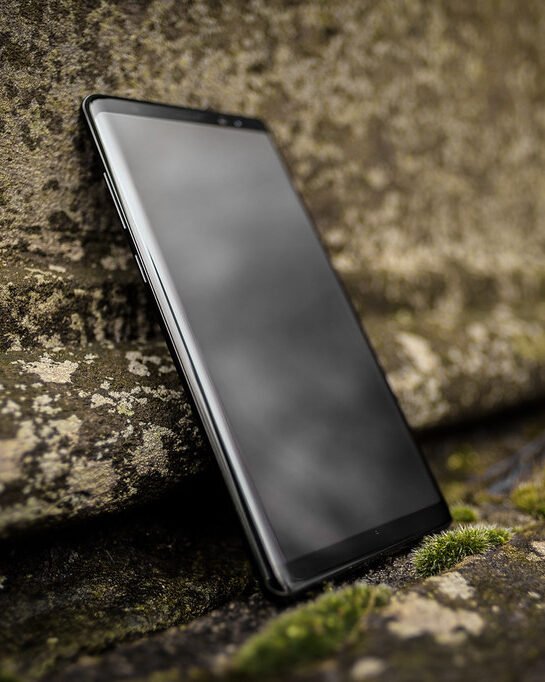
On the phone or laptop that keeps dropping, forget the network and join it again with the password. This clears old connection settings that cause repeated disconnects.
A few settings to check
Turn off battery saver on the device while you test. Make sure the router's firmware is up to date in its app or admin page. If your router has separate 2.4 GHz and 5 GHz networks, use 5 GHz near the router and 2.4 GHz further away.
When to call your provider
If every device drops at the same time, even next to the router, the problem is the line or the router itself. Note the times it happens and call your provider: they can test the line and often replace an old router for free.
For bigger homes, a mesh Wi-Fi system, or a simple extender placed halfway between the router and the dead zone, usually solves the problem for good.
— MyTextStory
All posts
TipsJul 20, 20265 min read
When Wi-Fi keeps dropping, most people blame the internet provider. Often the problem is much closer: where the router sits, an old setting or the device itself. Try these in order.
Restart it the right way
Unplug the router and modem, wait a full thirty seconds and plug them back in. Give them three minutes to start. This clears an overloaded memory and gets a fresh connection from your provider, and it fixes more problems than any other single step.
Move the router
Routers hate cupboards, floors and the space behind the TV. Put it up high, in the open and near the middle of the home, away from microwaves, cordless phones and thick walls. Moving it by a metre can double the signal in the far room.
“Most Wi-Fi problems are not the internet. They are distance, walls and an overworked router.
On the phone or laptop that keeps dropping, forget the network and join it again with the password. This clears old connection settings that cause repeated disconnects.
A few settings to check
Turn off battery saver on the device while you test. Make sure the router's firmware is up to date in its app or admin page. If your router has separate 2.4 GHz and 5 GHz networks, use 5 GHz near the router and 2.4 GHz further away.
When to call your provider
If every device drops at the same time, even next to the router, the problem is the line or the router itself. Note the times it happens and call your provider: they can test the line and often replace an old router for free.
For bigger homes, a mesh Wi-Fi system, or a simple extender placed halfway between the router and the dead zone, usually solves the problem for good.
— MyTextStory
All postsTipsJul 20, 20265 min read
When Wi-Fi keeps dropping, most people blame the internet provider. Often the problem is much closer: where the router sits, an old setting or the device itself. Try these in order.
Restart it the right way
Unplug the router and modem, wait a full thirty seconds and plug them back in. Give them three minutes to start. This clears an overloaded memory and gets a fresh connection from your provider, and it fixes more problems than any other single step.
Move the router
Routers hate cupboards, floors and the space behind the TV. Put it up high, in the open and near the middle of the home, away from microwaves, cordless phones and thick walls. Moving it by a metre can double the signal in the far room.
“Most Wi-Fi problems are not the internet. They are distance, walls and an overworked router.
On the phone or laptop that keeps dropping, forget the network and join it again with the password. This clears old connection settings that cause repeated disconnects.
A few settings to check
Turn off battery saver on the device while you test. Make sure the router's firmware is up to date in its app or admin page. If your router has separate 2.4 GHz and 5 GHz networks, use 5 GHz near the router and 2.4 GHz further away.
When to call your provider
If every device drops at the same time, even next to the router, the problem is the line or the router itself. Note the times it happens and call your provider: they can test the line and often replace an old router for free.
For bigger homes, a mesh Wi-Fi system, or a simple extender placed halfway between the router and the dead zone, usually solves the problem for good.
— MyTextStory
All posts